KNX and home automation
Your KNX system: what you should be handed when the job is done

On the last day on site the lights come on, the blinds go down and the app responds. It all looks finished. One thing is still missing, and it’s the one that matters most in five or ten years’ time: what you’re left holding.
A KNX system lives in its devices and in the files that describe them. If those files stay on the installer’s laptop, the system still works, and every future change depends on that one person.
The list, item by item
1. The ETS project, up to date
This is the file ending in .knxproj. It holds everything: which devices there are and where, how they talk to each other, and the names of rooms, switches and scenes.
Ask for the version as of the last change, not one from halfway through the job. An old version leaves whoever comes next to work out the differences.
2. The ETS project password
If the ETS project file is protected, you need its password. In systems using KNX Secure, which encrypts communication, the password also protects the keys of the secure devices, which are kept in the ETS project.
Without the password the file won’t open, and getting back into the secure devices becomes much harder.
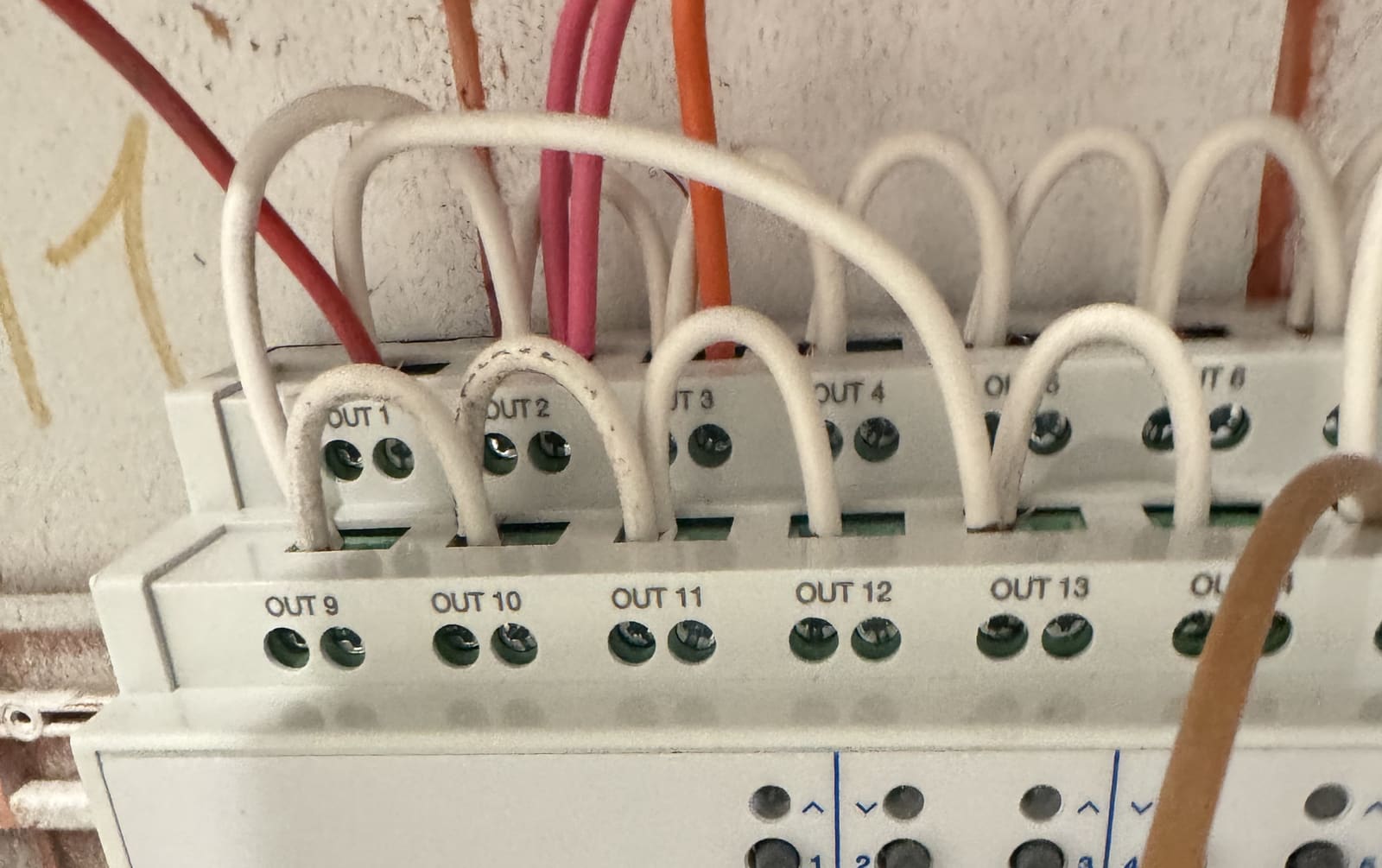
3. Board drawings and a device list
An up-to-date drawing of the distribution board, showing circuits and actuators, plus a list of devices with where each one is.
They’re for whoever opens the board to deal with a fault: they can see straight away what controls what. Labels on the devices in the board help too, using the same names as in the ETS project: whoever is working there can match them at a glance.
4. Backups of the supervisor and app
Many systems have, alongside the KNX devices, a supervisor or server that runs the app, the alerts and the logic: LogicMachine or Ilevia, for example. These have their own configuration, saved as a backup file.
Ask for the latest backup, just as with the ETS project.
5. Logins
The usernames and passwords for the app and the supervisor. Access from outside the home goes through a secure connection: the methods provided by the equipment manufacturers, the cloud or a VPN. We explain how it works and who can get in.
The administrator logins should be yours. Anyone working on the system gets one when they need it.
6. The declaration of conformity
A KNX system is an electrical installation first and foremost. When the work is finished, the licensed firm issues the declaration of conformity required by Italian Ministerial Decree 37/2008. More on that in who issues the declaration of conformity.
7. A proper walk-through
An hour together in front of the system: how to change a scene in the app, what to do after a power cut, who to call. You can write all that down, and it sinks in better once you’ve done it yourself.
Why it matters
KNX is an open standard. Devices from hundreds of manufacturers are set up with the same tool, ETS, which doesn’t belong to any brand.
That openness only works if you have the files. With the ETS project and its password, any KNX installer can pick up where the last one left off. Without them, much of the configuration can be rebuilt, with more hours and without the names of rooms and switches. The same goes for supervisors and apps: without the backup, the screens, alerts and logic have to be set up again from scratch.
We cover this in what happens to my KNX system if I change installer.
Put it in the quote
The time to raise this is before work starts, not on the last day. In the quote or the order confirmation, ask for a written list of what you’ll receive at handover:
- the up-to-date ETS project and its password;
- backups of the supervisor and app, if there are any;
- the board drawings and the device list;
- the declaration of conformity.
One written line saves arguments later. It also tells you something about who you’re dealing with: an installer who hands everything over has no trouble putting it in writing.
And after every change
A KNX system changes over time: a switch moved, a new scene, an extra device. Each time, the ETS project is updated.
After every job, ask for the new version of the file, with its date. Keep the earlier versions too: if a change doesn’t suit you, you can go back.
If the system is finished and you have nothing
It happens, and it can be put right. Ask whoever installed it for the files. If that’s no longer possible, KNX provides an official tool to read the configuration back from the devices: the structure can be recovered, while the names of rooms and switches have to be redone by hand.
Where to keep them
- One copy on a USB stick, with the other house documents.
- One copy in online storage.
- A folder of photos of the open distribution board.
On the day you need them, nobody has to go hunting.
What we do
At handover: A working system, explained to you, the declaration of conformity and every project file, including the ETS project. They’re yours to keep: if one day you want to use another installer, you can.
We installed our first KNX system in 1999. Since 2011 we have configured and programmed KNX ourselves, as a certified KNX Partner; today we are a KNX Gold Partner. See our KNX section and the page on supervision and BMS.
Sources
- KNX Association, What is KNX? (opens in a new tab) (accessed 31 October 2026)
- KNX Association, Security: configuring KNX Secure systems in ETS (opens in a new tab) (accessed 31 October 2026)
- Ministerial Decree 37/2008, art. 7 (declaration of conformity, Normattiva, in Italian) (opens in a new tab) (accessed 31 October 2026)
More articles

KNX and home automation
A system that emails you when something’s wrong
How we linked a heat pump, ventilation and energy meters to a KNX system, with LogicMachine supervision that sends an email when something goes wrong.
Electrical
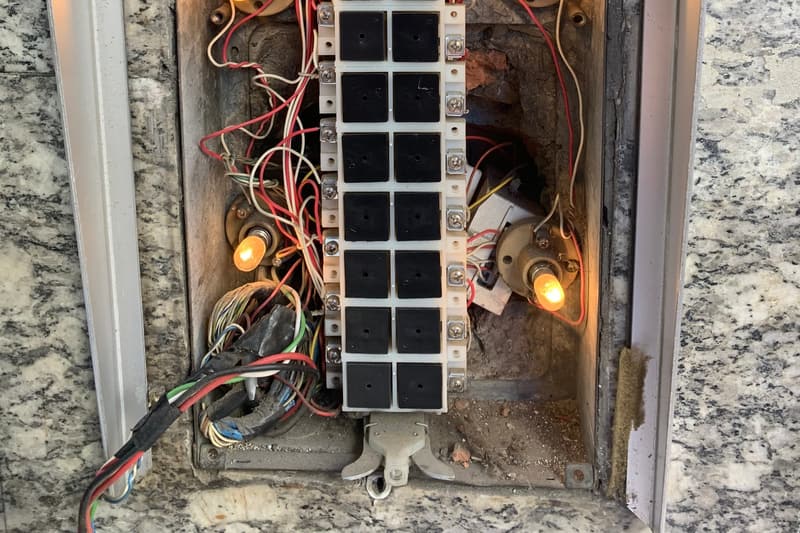
An old intercom: when we repair it and when we suggest replacing it
A faulty analogue intercom can often be repaired with the right part. What we check on a site visit, spares for Urmet, Elvox, Bitron and MM, and how to decide.
Plumbing
Short-term lets in Italy: gas and CO detectors and extinguishers, sorted before your first guest
Short-term lets in Italy need working gas and CO detectors and fire extinguishers (Decree-Law 145/2023, art. 13-ter). Where they go, how many, how to keep them working.


What happens when you get in touch
I’m Daniele Lantieri, managing partner and technical lead at LantierImpianti. Here’s what happens after you call or send a message.
I speak fluent English. From the first call to the end of the job, we handle everything in English: site visit, quote, works, and explaining every document you receive.
You’ll speak to me
I answer the phone myself. If I’m on site, I’ll call you back as soon as I can: before the evening or the next morning.
Tell me what’s going on, in your own words
You don’t need the technical terms — that’s our job. Just tell me what you can see or what isn’t working. A photo helps if you have one.
I tell you what I’d do
For a small job, we agree a day. If you need a quote, I come and take a look, whatever the size of the job, and send it to you in writing. The site visit for a quote is free, whatever the job.
You decide, in your own time
Calling or writing commits you to nothing. Take the time you need, and feel free to get other opinions.